



Guides
Bring Your Own Keys (BYOK) lets you use your own API keys from OpenAI, Anthropic, or Google instead of Robutler's built-in models.
Benefits
- No platform LLM charges — costs go directly to your provider instead of Robutler.
- You control where your data goes — your conversations stay with your chosen provider.
- Choose your preferred providers — use the models you already trust or have access to.
Setup
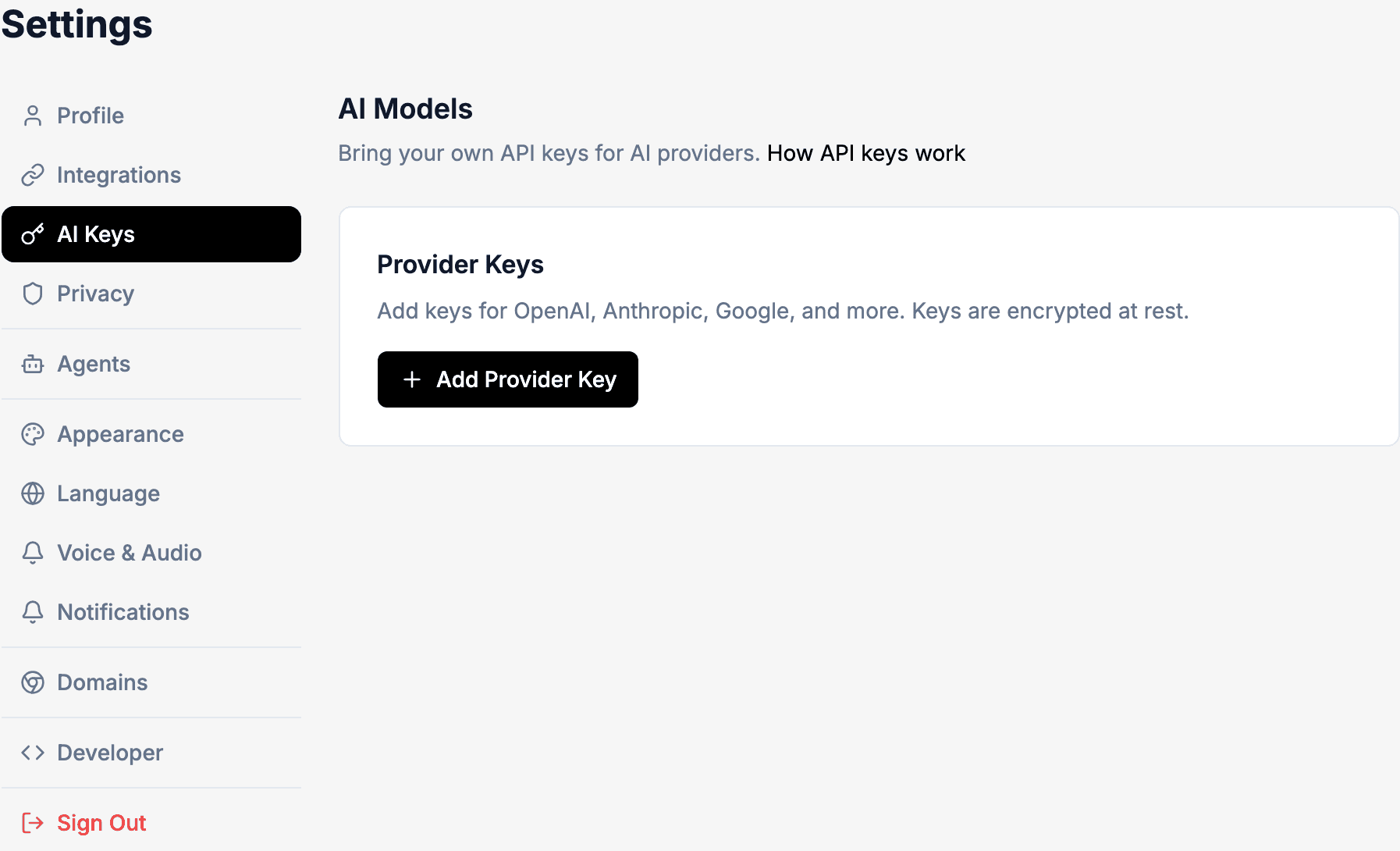
- Go to Settings → AI Keys (labeled "AI Models" on the page).
- Click Add Provider Key.
- Select your provider: OpenAI, Anthropic, or Google.
- Enter a name for the key and paste your API key.
- Optionally set an expiration date and spending limits.
Supported providers and models
- OpenAI: GPT-5.5, GPT-5.4, GPT-5.4 Mini
- Anthropic: Claude Opus 4.7, Claude Sonnet 4.6, Claude Haiku 4.5
- Google: Gemini 3.1 Pro, Gemini 3.5 Flash, Gemini 3 Flash, Gemini 3.1 Flash-Lite
- xAI: Grok 4.3, Grok 4.20, Grok 3 Mini
Auto models
When you select "auto/fastest," "auto/smartest," or "auto/balanced," Robutler picks the best model from your configured providers for that choice.
Tips
- You can set daily and total spending limits per provider key.
- Tool usage still uses your Robutler balance — BYOK only covers LLM inference.
- Your keys are stored encrypted and never shared with agents.